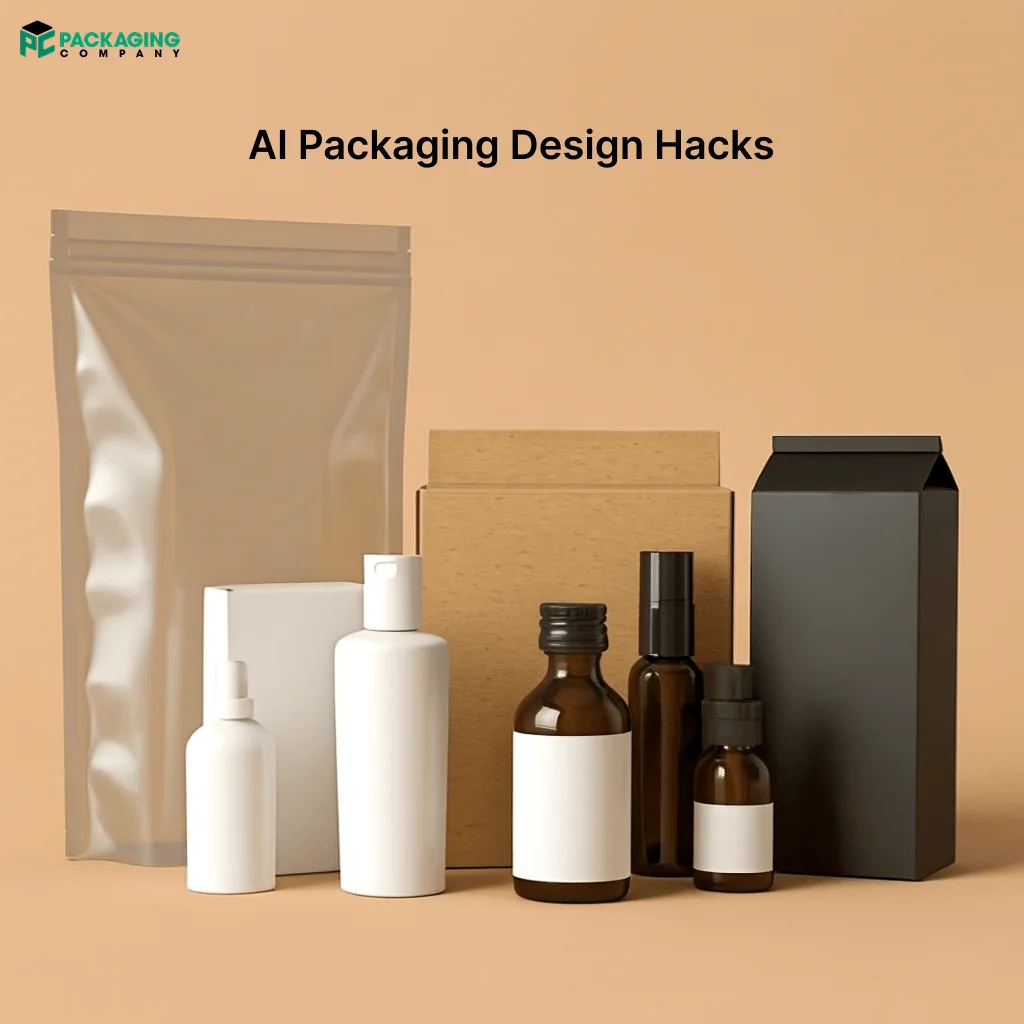
The rise of AI Packaging Design Hacks gives brands a real edge on shelves and online. In the United States, many brands now use AI tools to speed design and test ideas. U.S. teams report cutting concept time by about 30% and lowering prepress errors by roughly 35% when they use AI workflows.
These gains help small brands compete with big names. The ten hacks below focus on speed, testing, and clear numbers so you can track results.
10 AI Packaging Design Hacks You Can’t Afford to Miss
Use these AI Packaging Design Hacks to make smarter choices, reduce waste, and grow sales. Read each section and pick the hacks that fit your product and budget. The goal stays simple: design faster, test smarter, and sell more.
1. Generative Mockups: Create Many Concepts Fast
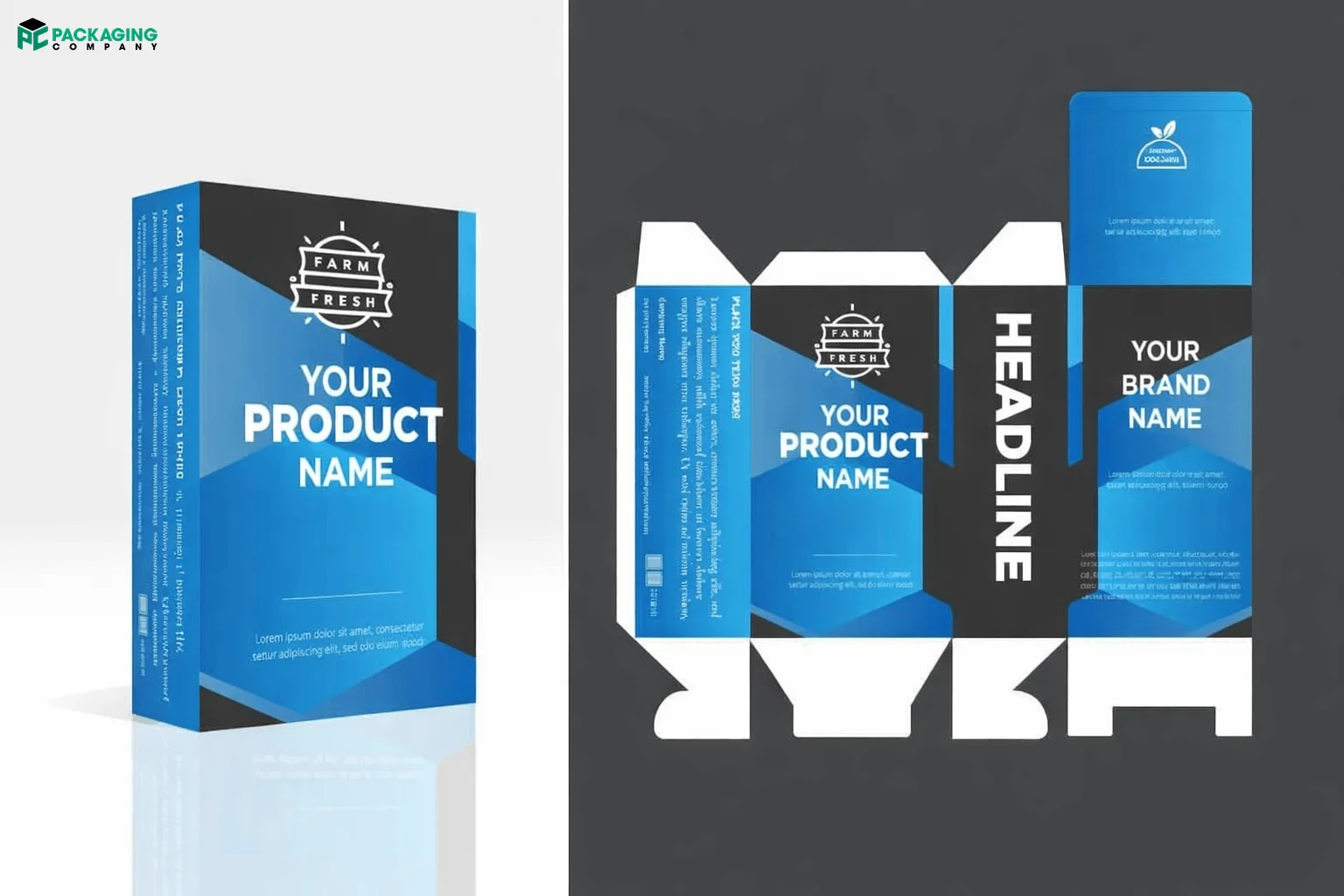
Use a good ai packaging design generator to make many mockups in minutes. You type a short prompt and the tool gives you several visual options. This approach helps teams avoid long design loops and pick strong ideas quickly. Aim to generate 8–12 mockups per SKU and run quick tests with small panels of shoppers. When you test, show each mockup to at least 200 people online to get clear signals. Use these steps to act fast and keep costs low.
- Save time: up to 50–60% on first drafts.
- Test size: show variants to 200–1,000 shoppers for reliable feedback.
- Output: pick the top 3 mockups to refine.
Generative mockups let you try bold ideas without big print costs. You can explore color, copy, and imagery in one session. Teams that use this hack move from idea to test in a day instead of a week. That speed helps you find what works before you spend on tooling or large print runs.
2. Template-First Workflow for Consistency
Start every project with packaging design templates ai that match your brand rules. Templates keep logo size, color codes, and legal text in the right place. They cut mistakes and speed approvals. Use a template library that covers different pack sizes and formats. When you add a new SKU, apply the right template and generate mockups from it. This method keeps your line consistent and reduces rework.
- Error cut: templates reduce layout mistakes by about 40%.
- Scale: one template can speed 4–6 SKUs.
- Approval time: shorten by 25–40%.
Templates help teams keep a steady look across many products. They also make it easier to hand files to printers and to the product Packaging Company for production. Use templates to lock in brand rules so designers can focus on creative choices that matter.
3. Eye-Tracking Simulations to Boost Shelf Impact
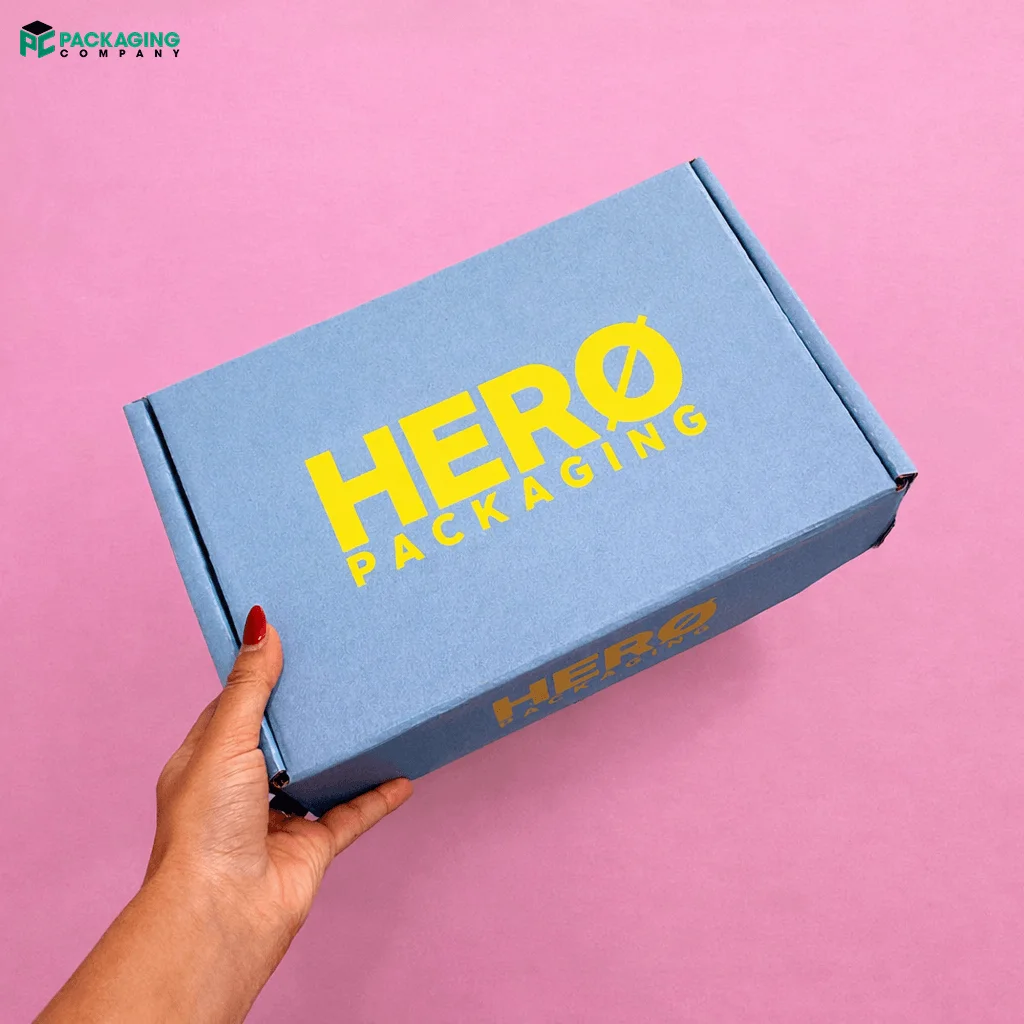
Run eye-tracking simulations to see where shoppers look first. AI tools predict gaze patterns and show which parts of your pack draw attention. Use those insights to place your logo, hero image, and key claims where people actually look. Small changes in contrast or logo size can raise purchase intent by 10–18% in tests. Use the simulation results to guide final art and to choose the best mockup for A/B tests.
- Attention lift: expect 10–18% higher focus on key elements.
- Test group: simulate with 500+ virtual shoppers for stable results.
- Design moves: adjust contrast, logo size, and hero image placement.
This hack helps you design for real shopper behavior. You avoid guessing and make choices that increase the chance a buyer picks your product from the shelf or clicks online.
4. Compliance Automation for Food Packs
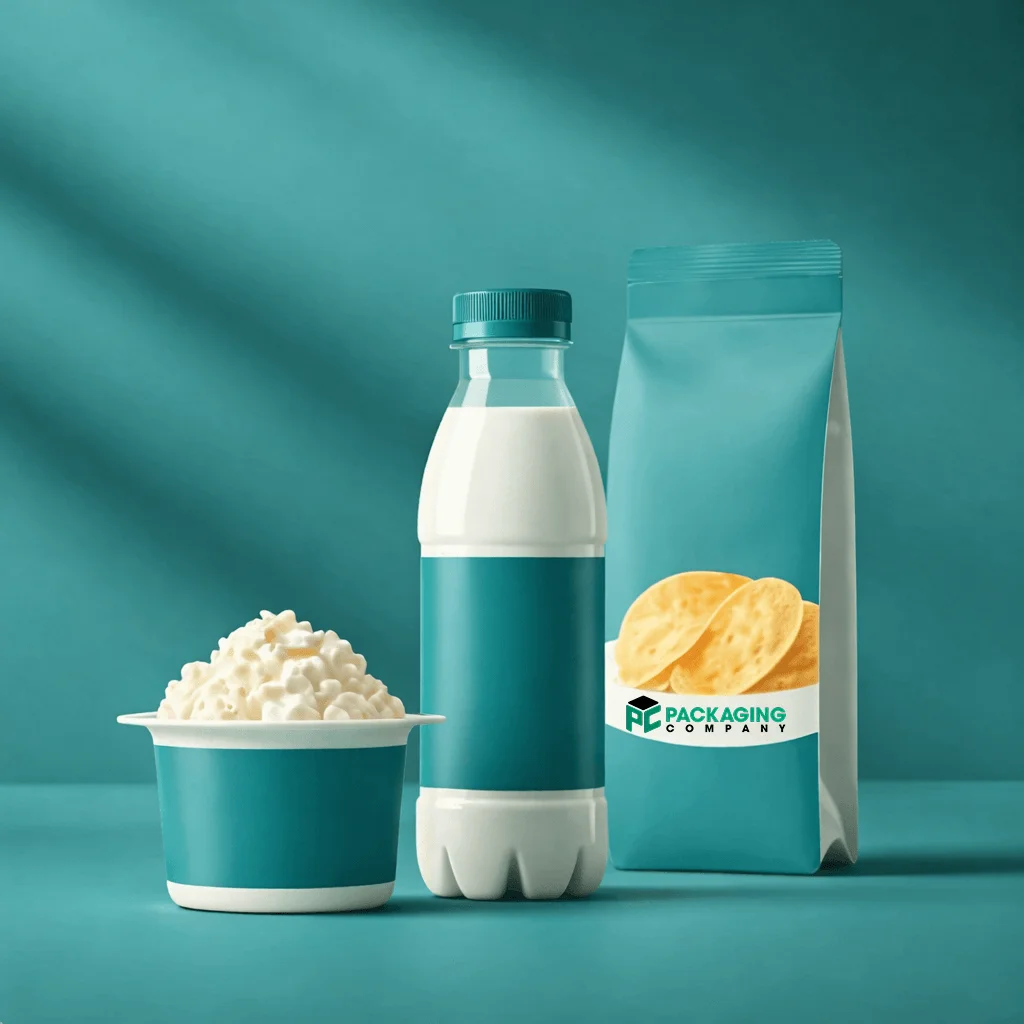
Use AI to check labels and nutrition panels for food packaging design rules. The tool scans text, checks font sizes, and flags missing allergen statements. This step cuts legal review time and reduces reprints. For food brands, accuracy matters. A single label error can delay a launch and add thousands in reprint costs. Let AI do the first pass so your team can focus on creative and marketing choices.
- Review time: cut legal checks by about 50%.
- Error reduction: fewer label mistakes and fewer reprints.
- Cost impact: avoid reprint costs that can reach $1,000–$10,000 per run.
This hack keeps your food packs compliant and on schedule. It also helps the design food Packaging Company prepare correct dielines and print files without last-minute fixes.
5. Localized Limited Editions to Drive Relevance
Create region-specific art to match local tastes and events. Use AI to generate limited editions that reflect local colors, holidays, or sports teams. Localized packs can lift sales by 5–10% in test markets. Keep runs small and test which designs perform best. Use the winning art for larger runs or for targeted online ads.
- Sales lift: expect 5–10% increase in test areas.
- Run size: start with 1,000–5,000 units for local tests.
- Turnaround: generate and test designs in 1–2 weeks.
This hack helps you connect with local shoppers and create buzz. It also gives you fresh content for social media and in-store displays without big upfront costs. Use this one of the top AI Packaging Design ideas to outpace rivals and to make every box count.
6. Rapid A/B Tests Before Print
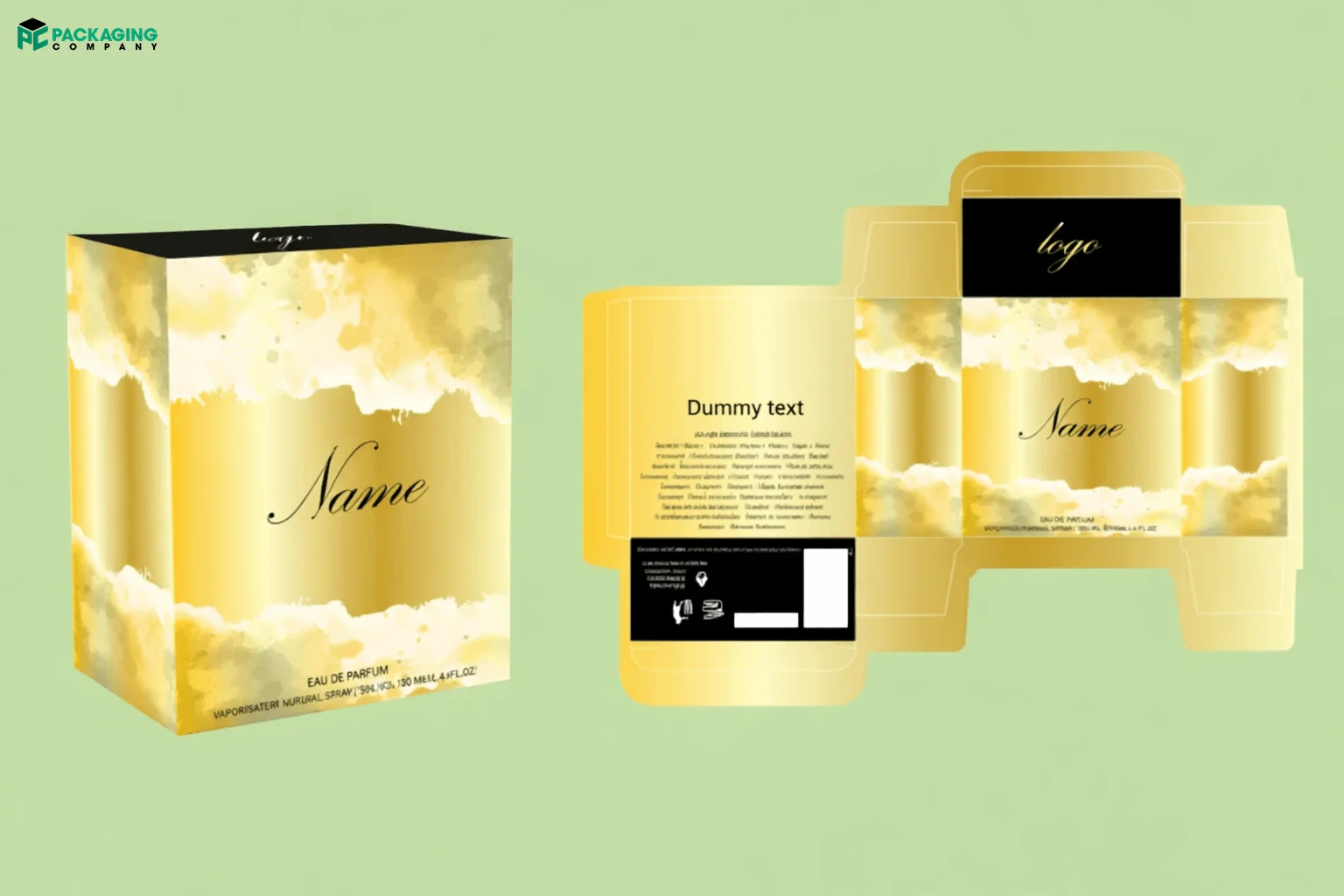
Run A/B tests with mockups before you print any packaging like Perfume Gift Packaging. Show two or more designs to real shoppers online and measure clicks, preference, and purchase intent. Choosing the greatest design prior to manufacturing can boost conversions by 7–15%. Reliable results come from clear metrics and testing with at least 1,000 individuals.
- Conversion lift: 7–15% possible gains.
- Test size: aim for 1,000+ participants.
- Decision speed: pick a winner in 3–7 days.
This hack saves money and reduces risk. You avoid printing a large run of a packaging design with ai that underperforms. Use the test results to brief the Packaging supplier and to set final print specs.
7. Material and Cost Simulation to Cut Spend
Ask AI to simulate materials and print costs before you order. The weight and cost per unit, and recyclability are modelled in the tool. You can compare models and choose the best mix of cost and quality. Firms realize up to 20% in material spend savings through intelligent selection of substrates and print methods. Use the simulation to plan runs and to set a budget.
- Material savings: up to 20% on average.
- Compare: test 3–5 substrate options per SKU.
- Impact: lower shipping weight and lower unit cost.
This hack helps you meet sustainability goals and keep margins healthy. It also reduces surprises at the printer and speeds approval with the packaging design company. It doesn't matter if you need Rigid, Cardboard or Custom Corrugated Boxes, use AI.
8. Natural-Language Edits for Fast Revisions
Use natural-language prompts to ask AI for edits. Tell the tool what to change and get a new mockup in minutes. This method cuts back-and-forth with designers and speeds approvals. Teams that use prompt edits finish revisions in a fraction of the usual time. Keep prompts clear and specific to get the best results.
- Revision speed: minutes instead of hours.
- Iterations: try 3–5 prompt rounds to refine.
- Use case: tweak copy, color, or image placement quickly.
This hack keeps your team moving and reduces design bottlenecks. It also helps you hand clean files to the suppliers for production.
9. Sync AI Files with the Packaging Company
Send AI-ready dielines and final art to the suppliers to cut prepress errors. When you share clean files, the printer can start tooling faster and avoid costly fixes. Teams that sync files this way reduce prepress mistakes by about 35% and speed up print runs. Use a clear file checklist and confirm dieline specs before you approve.
- Error cut: prepress mistakes drop by 35% on average.
- Speed: faster print runs and fewer delays.
- Checklist: include dieline, bleed, color profile, and barcode placement.
This hack builds a smooth handoff to the Packaging Company. It saves time and money and helps you hit launch dates with confidence.
10. Post-Launch Analytics to Improve Designs
Track sales, returns, and customer feedback after launch. Link packaging design ai variants to performance and use AI to spot trends. Small design tweaks can add steady growth of 3–8% per month when you act on data. Use analytics to plan the next run and to brief the Packaging Company on changes.
- Monthly lift: expect 3–8% incremental gains from tweaks.
- Data sources: sales, returns, reviews, and shelf scans.
- Action: update copy, color, or material based on results.
This hack turns packaging into a learning loop. You keep improving and make smarter choices for future runs.

Summary of the Top 10 AI Packaging Design Hacks
|
Hack |
Key Benefit |
Test/Impact |
Time Savings |
|---|---|---|---|
|
Generative Mockups |
Create many visual options quickly |
Test with 200–1,000 shoppers |
50–60% faster drafts |
|
Template First Workflow |
Ensures consistency and reduces mistakes |
Speed up 4–6 SKUs |
Approval time cut by 25–40% |
|
Eye Tracking Simulations |
Boost shelf impact |
Attention lift 10–18% |
Design choices based on shopper behavior |
|
Compliance Automation |
Reduces legal review time |
Fewer label mistakes and reprints |
Cuts legal checks by 50% |
|
Localized Limited Editions |
Drive local relevance |
Sales lift by 5–10% |
1–2 weeks for design and testing |
|
Rapid A/B Tests |
Test packaging designs before printing |
Conversion lift of 7–15% |
Decision made in 3–7 days |
|
Material and Cost Simulation |
Optimize materials and cost |
Save up to 20% in material spend |
Speed up budget planning |
|
Natural Language Edits |
Quick design revisions |
Faster iterations |
Minutes per revision |
|
Sync AI Files with Packaging Co. |
Reduce prepress errors |
Speed up print runs by 35% |
Faster handoff to production |
|
Post Launch Analytics |
Learn from sales data |
3–8% growth from design tweaks |
Continuous improvement loop |
Top Tools to Get the Desired AI Packaging Designs
- Adobe Firefly
- Canva
- Midjourney
- DALL·E
- Stable Diffusion
- Esko ArtiosCAD
- Esko Studio
- Figma
How to Start with AI Packaging Design
Step 1: Learn the basics of packaging design
Read brief guides on layout, dielines, and color theory. What to do next: Draw some easy box ideas on paper and practice.
Step 2: Explore AI tools and pick one to try
Experiment with a free or low‑cost AI tool to create mockups and images. Use it to transform an idea into a shareable visual.
Step 3: Start with a template
Choose a template that fits your product size and shape. Templates keep your design neat and speed up work.
Step 4: Create several quick mockups
Make 6–12 different mockups to test ideas fast. Vary color, logo size, and main image to see what stands out.
Step 5: Run a small test with real people
Show your mockups to 200–1,000 shoppers online or to friends and staff. Ask which design they prefer and why.
Step 6: Check labels and legal text early
Verify the nutrition, ingredients and placement of the barcode with a checklist. Address any problems before you print the file.
Step 7: Simulate materials and cost
Compare a few substrate and print options to find the best price and look. Choose a material that fits your budget and brand values.
Step 8: Make fast edits with clear prompts
Tell your AI tool exactly what to change and get a new mockup quickly. Keep instructions short and specific to save time.
Step 9: Prepare clean files for production
Export dielines, bleeds, and color profiles in the format your printer needs. Double-check sizes and barcodes before you send them.
Step 10: Track results and improve
After launch, watch sales, returns, and feedback. Use what you learn to tweak the next design and make each pack better.
Order Smarter Boxes Today
Use these AI Packaging Design Hacks to speed design, cut costs, and lift sales. Work with the Packaging Company to turn AI mockups into real boxes that sell. We can help you pick materials, check dielines, and run proofs so you avoid delays. Order smarter boxes and test designs before large runs. Start with one hack, measure the results, and scale what works. Contact us to get production help and to place your first smart order today.
FAQs
What is AI packaging design?
You can create this design with the smart software to make mockups, test layouts, and predict how shoppers will react. The tools speed work and give clear numbers so teams can pick the best design. Designers use AI to try many ideas fast and to avoid costly mistakes.
Can AI design food packaging?
Yes. Tools help with design food packaging by checking label rules, suggesting layouts, and testing shelf impact. AI helps teams meet legal needs and create packs that sell.
Do I still need a design team?
Yes. AI speeds work and gives options, but designers add strategy, brand voice, and final polish. Use AI to free designers for higher-value tasks.